

You Don't *Need* to Lube Your Switches. You're Right. Here's Why You Still Should.
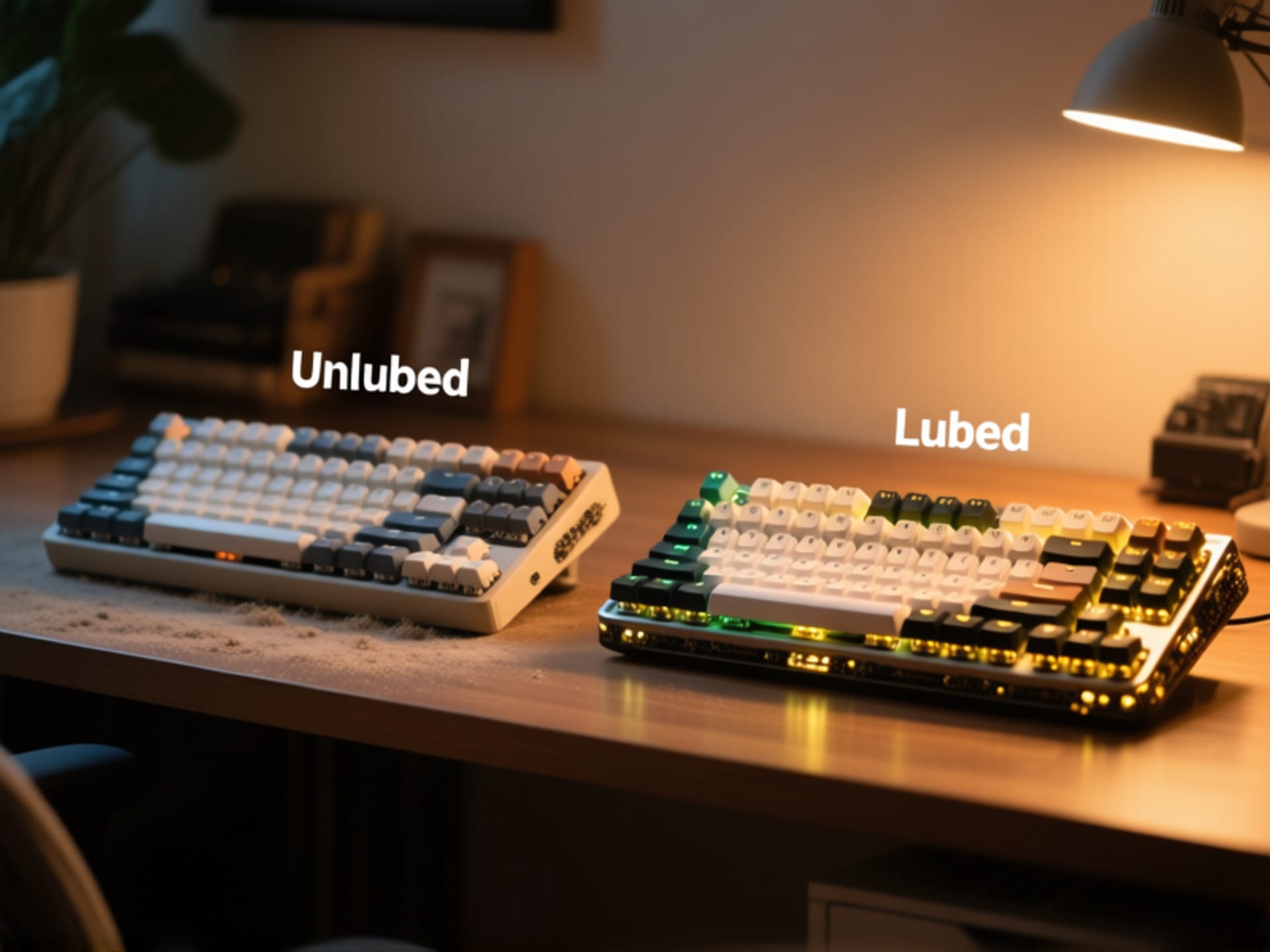
Let's get this out of the way first. Your new keyboard will work perfectly fine if you never, ever lube the switches. They click. They clack. The keys register when you press them. Job done. So why are so many people obsessed with this extra step? It's not about function. It's about feel . It's the difference between a reliable, clunky old motorcycle that gets you from A to B, and a smooth, purring machine that makes the journey the whole point. Think of it not as maintenance, but as a customization. You're tuning your instrument.
The Magic of "Thock": What Lubricant Actually Does
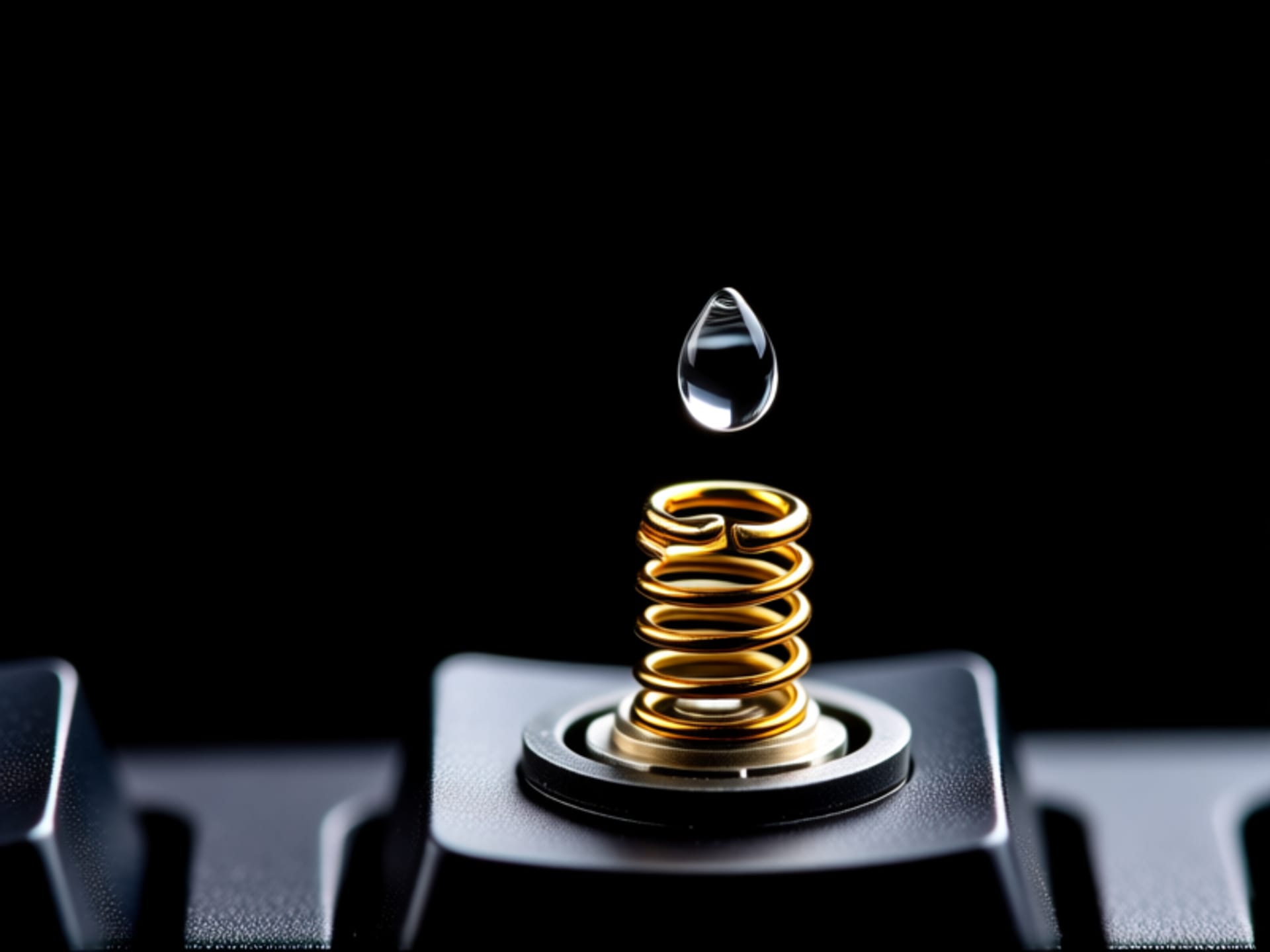
Inside every switch is a little plastic slider (the stem) and a tiny metal spring. When unlubed, they grind against each other and the switch housing. It's a microscopic sandpaper party. Lubricant acts as a buffer. It fills those microscopic gaps, reducing friction and dampening the sound of the plastic-on-plastic and metal-on-plastic impact. The result? A deeper, smoother, and less "screechy" sound. The feel becomes buttery. That satisfying "thock" you hear in YouTube videos? That's lubricant and good switches having a secret handshake.
The Tactile Truth: Lubed vs. Unlubed for Beginner's Fingers
This is the big one for tactile switch users (the ones with a bump). Here’s the honest trade-off. Lubing will make the tactile bump less sharp. Some people hate that. They live for that snappy, definitive feedback. But for most people—especially beginners—that sharp bump can feel gritty or scratchy. Lubing smooths out the bump's edges. You still feel it, but it's a rounded hill instead of a jagged spike. The overall typing sensation becomes uniform and pleasant, not a series of tiny, grating shocks. It's less about losing feedback and more about refining it into something luxurious.
Your First Lube Job: It's Not Brain Surgery (I Promise)
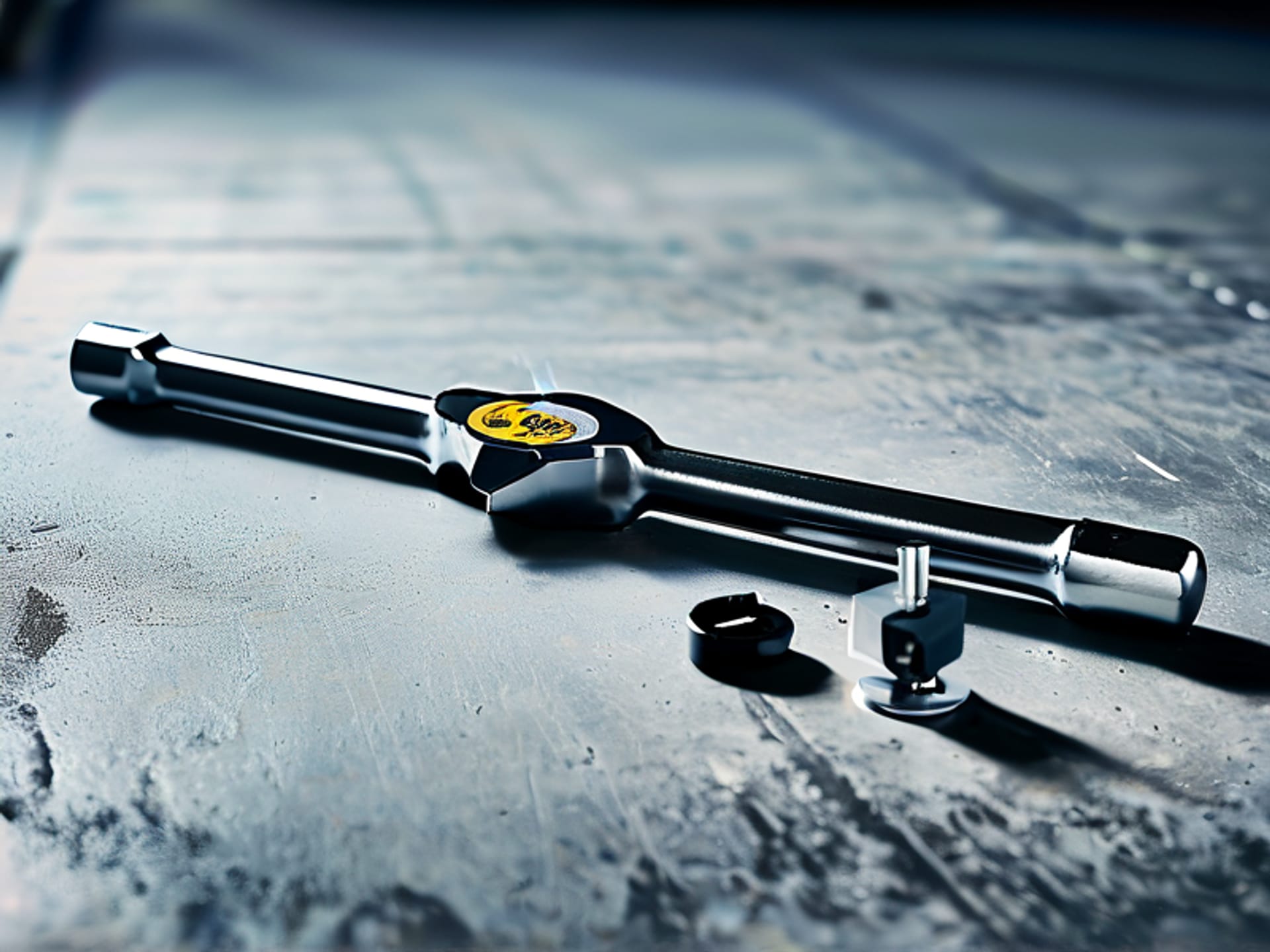
The process seems intimidating. Opening 70+ tiny switches? Sounds like a nightmare. But here's the secret: you go one switch at a time. You get a rhythm. Pop the top, dab a tiny bit of lube on the slider legs and the spring, put it back together. It's meditative. For a first-timer, just lubing the springs (a process called "bag lubing") is a massive, easy win that kills the metallic "ping" sound. You don't need a lab setup. You need a $10 switch opener, a small brush, the right lube (like Krytox 205g0), and a podcast. In an hour, you'll have the hang of it.
So, Should You Actually Do It?
If you're happy with your keyboard's sound and feel, honestly, skip it. No shame. But if that subtle scratchiness bugs you, or if the sound feels cheap and thin, lubrication is your single biggest upgrade. It's the mod that transforms a good keyboard into a great one. It makes typing feel intentional and premium. Don't do it because you "should." Do it because you want every press to feel like a reward. Your fingers will thank you.