
Don't Just Say "Tactile." What Do You Actually *Want*?
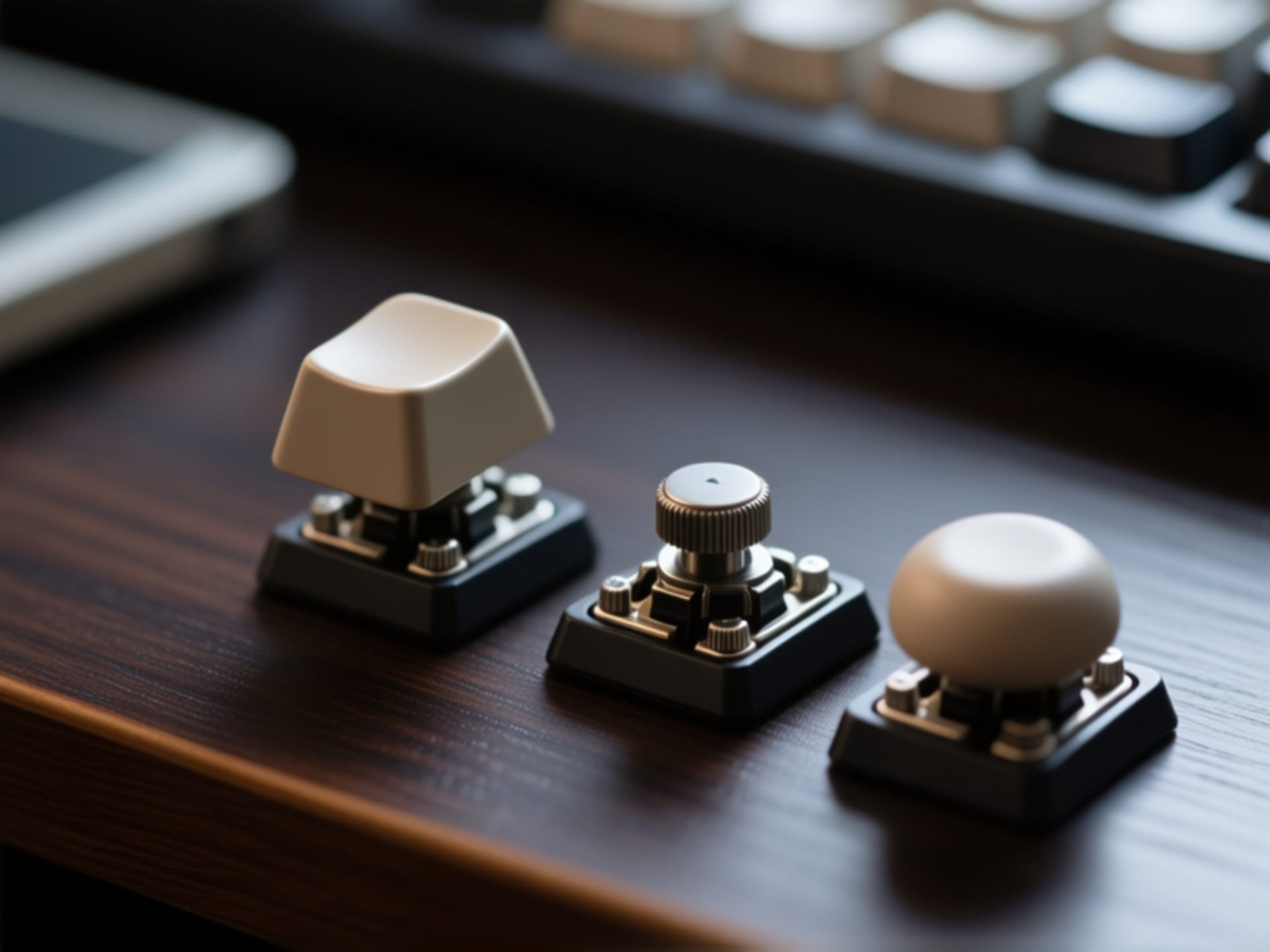
Here's the thing. "Tactile" is a huge category. It's like saying you want a "car." Are we talking a tiny electric city car or a roaring V8 muscle machine? Both get you from A to B, but the experience is... different. Jumping into keyboard forums, you'll hear people obsess over "holy pandas," "boba U4Ts," and "zealios." It's easy to get lost in the jargon. Forget the names for a second. Ask yourself this: Do you want a big, obvious *thump* every time you press a key, like walking over a speed bump? Or just a gentle little *nudge* to let your fingers know they've done their job? That distinction is everything. It's the difference between a keyboard that feels assertive and one that feels politely helpful. Get this wrong, and you might hate your new purchase. Get it right, and it's pure typing bliss.
The Tactile Sweet Spot: Not Too Chunky, Not Too Mushy
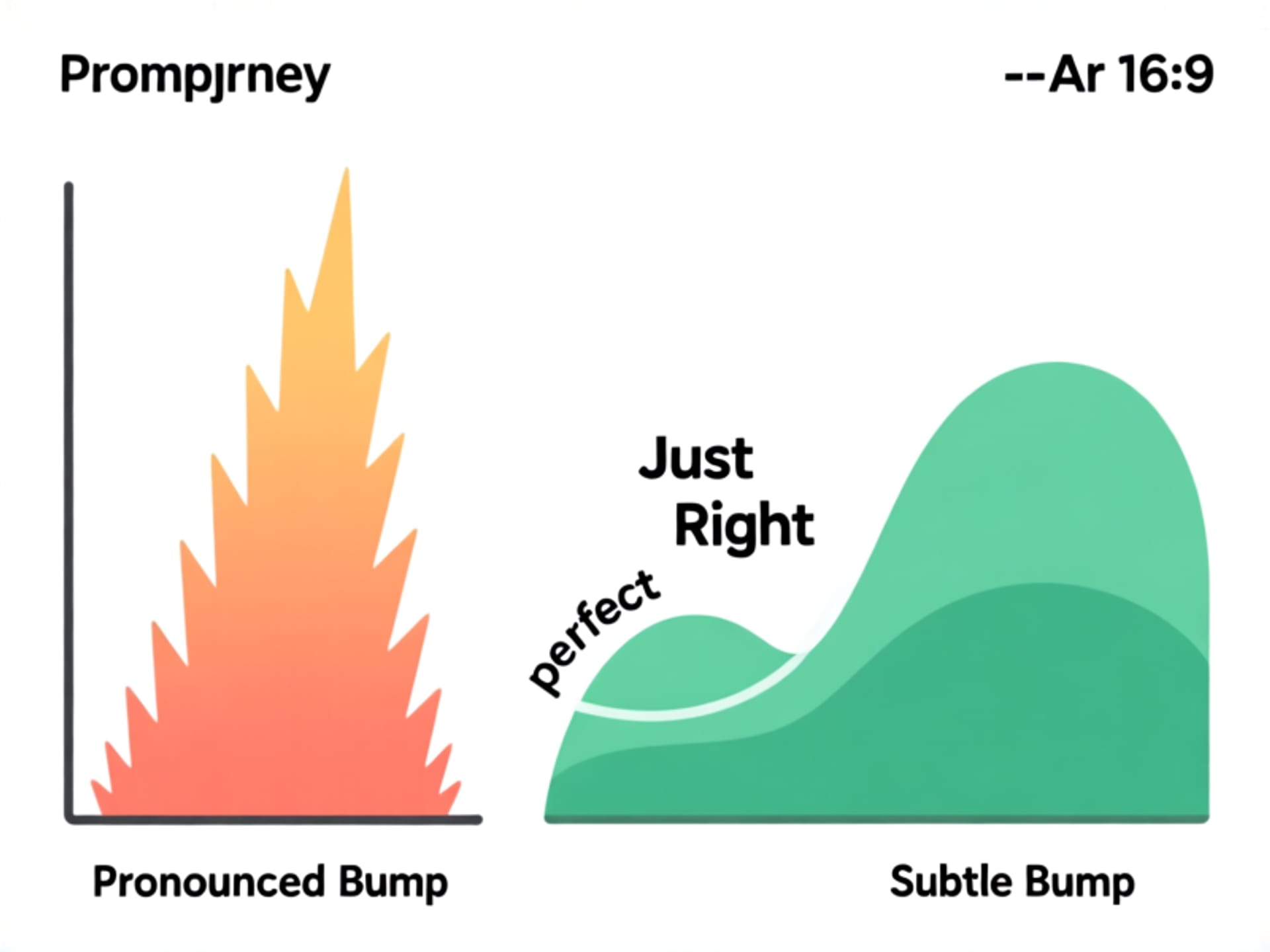
This is where the magic happens. Or doesn't. Let's talk about the tactile event itself—that little bump you feel. A good tactile switch shouldn't feel like you're fighting the keyboard. The bump should be clean. Defined. Your finger presses down, you hit the bump and feel that satisfying confirmation, and then the key smoothly travels the rest of the way down with minimal resistance. The bad ones? They feel gritty. Scratchy. Like there's sand in the mechanism. Or the bump is so huge it feels like the key gets *stuck* for a millisecond before giving way. You don't want that. For a first board, aim for a switch known for a smooth, rounded bump. It's the safe bet. The all-rounder. It gives you that classic mechanical feel without being overwhelming. A switch like a Gateron Brown or its many, many clones is the standard starting point for a reason.
Size Matters: You Probably Don't Need a Number Pad
Look at your desk. Seriously, take a glance. How much real estate does your current keyboard hog? Now imagine reclaiming a chunk of that. Full-size keyboards with the number pad are relics for most people. Unless you're an accountant or data entry wizard, that numpad just sits there. Collecting dust. A "Tenkeyless" (TKL) layout chops it off. Your mouse moves closer. Your shoulders feel less cramped. It's a game changer for posture and desk space. But you can go even further. A 65% keeps the arrow keys and a few nav keys but ditches everything else. It's tiny. Portable. Awesome. For your first tactile board, I'd strongly lean towards a TKL or 65%. You sacrifice almost nothing in daily use. And you gain a cleaner setup and a board that just looks and feels more modern. The compact life is a good life.
Plastic, Pudding, or Fancy Plastic? The Keycap Lowdown
People obsess over switches and forget about keycaps. Big mistake. The caps are what your fingers touch all day. Stock keycaps on cheaper boards are often made from thin, cheap ABS plastic. They get shiny and greasy over time. They feel... tacky. Better boards use thicker PBT plastic. It's more textured. More durable. It doesn't develop that gross shine. It just feels more substantial. When you're checking out a keyboard, look for "double-shot PBT" keycaps. That means the legends (the letters) are molded into the cap, not just painted on. They'll never fade. Also, consider the profile—the shape and height of the caps. OEM and Cherry profiles are safe, common choices. They're not too tall. For your first board, stick with those. Ignore the shiny, rainbow "gamer" font caps. Please. For all of us.
The Big Test: Actually Typing On The Thing
Reviews and specs are one thing. Your hands are another. This is the most important step. You can read about a switch's "force curve" and "actuation point" until your eyes glaze over. It means nothing until you type a full paragraph on it. How does the spacebar feel? Is it loud and clacky or muted and soft? Do the keys feel stable, or do they wobble side-to-side when you hit them off-center? The board's mounting style and plate material affect this "feel" massively. A stiff metal plate will make the typing experience more rigid and loud. A flexible plastic plate can make it softer and quieter. This is the "build quality" people talk about. Before you click buy, find a sound test video on YouTube. Listen to it. Does that *thock* or *clack* sound satisfying to you, or will it drive you (or your partner) insane? Your keyboard is an instrument you play all day. Make sure you like the song it plays.